 VORTAXIS
 Full platform
Instant Estimate
Project price calculator script — drop-in JavaScript
THE PRODUCT
A closer look.
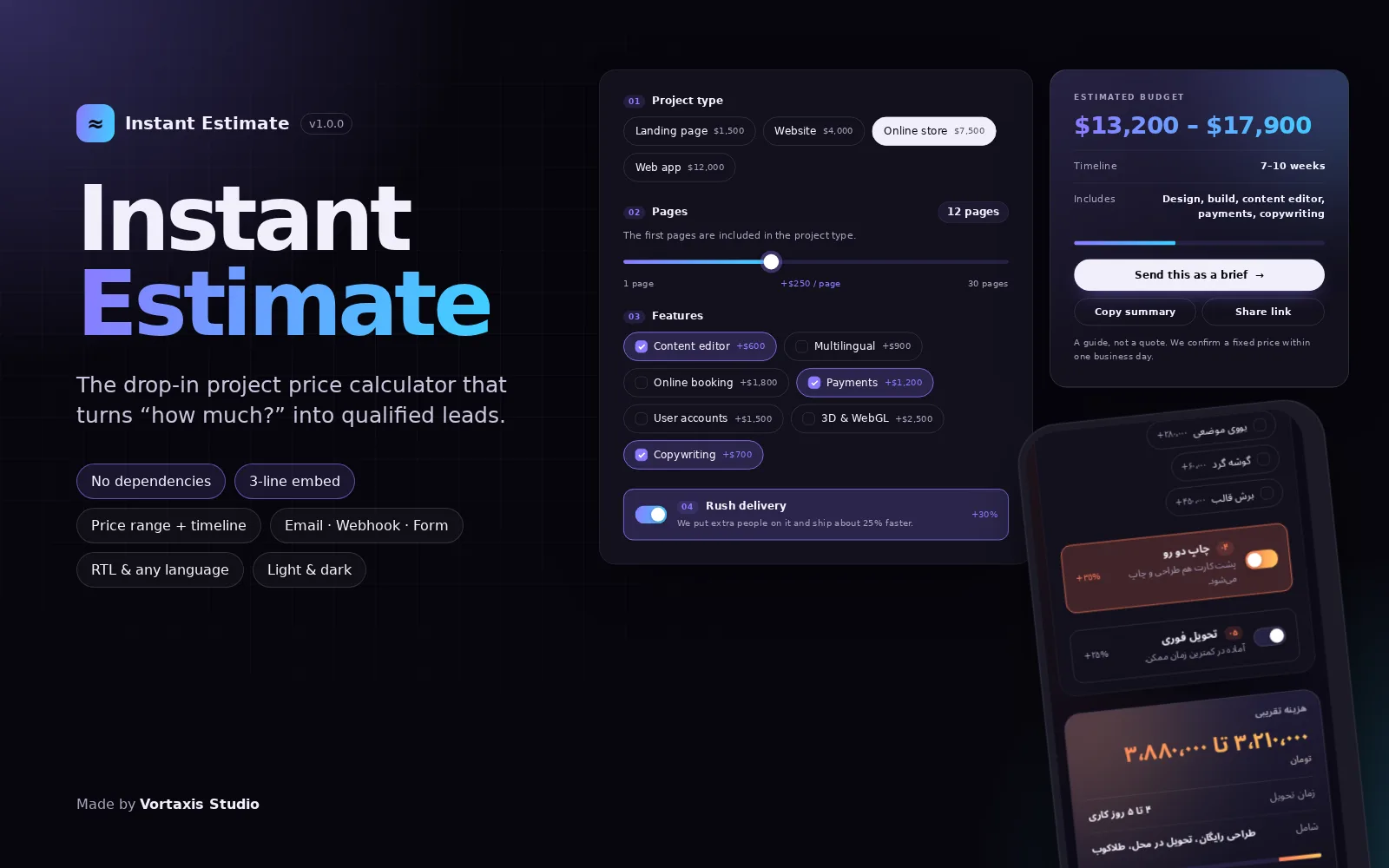
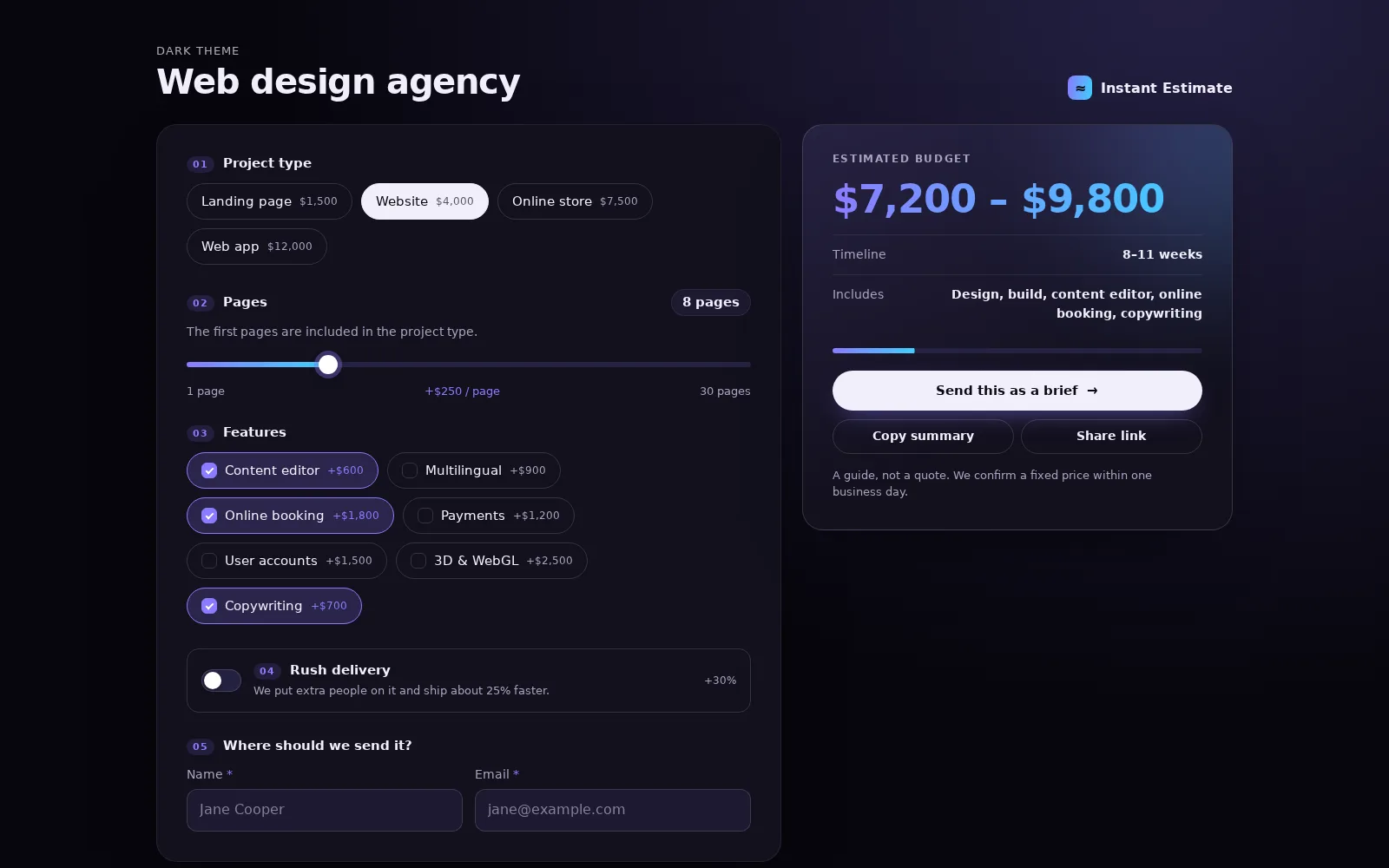
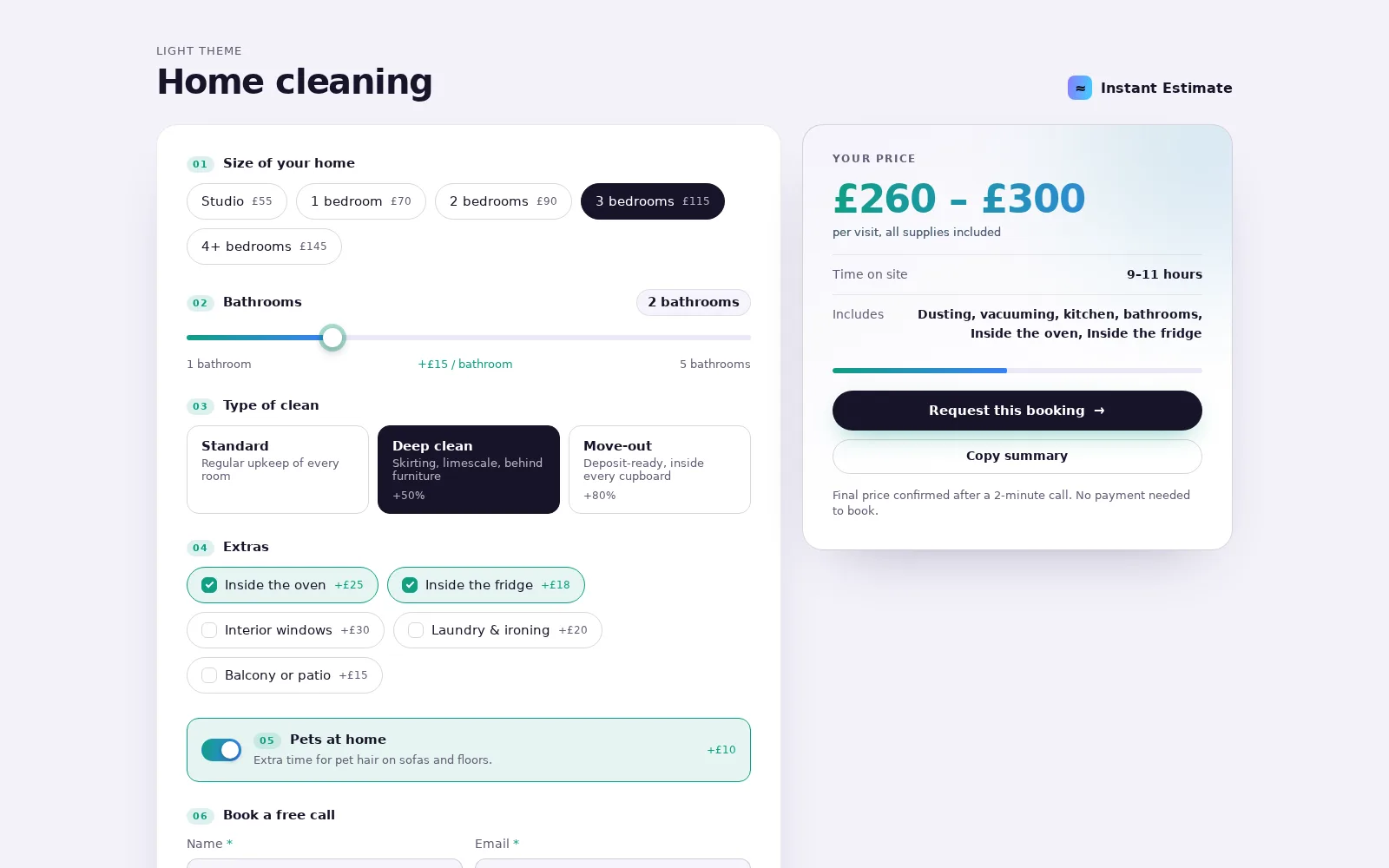
Instant Estimate turns "how much does it cost?" into an enquiry. Visitors pick a project type, quantity, add-ons and speed, and see a live price range, a timeline and what is included. One click sends the estimate to you.
Everything is set in a single configuration: options, prices per unit, add-ons, percentage surcharges, currency and texts. Prices are formatted for any locale, and right-to-left languages are supported out of the box.
Send estimates by e-mail link, to any webhook, into an existing form on your page, or copy them to the clipboard. It drops into any website with one stylesheet, one script and one tag, and a small JavaScript API is there when you need more control.
WHAT’S INSIDE
Built for the details.
For your visitors
- Live price range, timeline and "what's included"
- Choice chips, add-ons, sliders and rush toggle
- Shareable estimate link
- Keyboard and screen-reader friendly
Configuration
- Base prices, per-unit prices, add-ons and percentage surcharges
- Any currency and locale formatting
- All texts editable, right-to-left languages supported
- Dark and light presets, accent colour via CSS variables
Sending estimates
- E-mail link with a ready summary
- POST to any webhook or endpoint
- Prefill an existing form on the page
- Copy to clipboard
- Optional PHP endpoint that e-mails you each estimate
For developers
- One CSS file, one JS file, one tag
- JavaScript API: mount, getState, setState, change and submit events
- Pure pricing function, easy to test
- No dependencies, no build step
In the picture.

TRY BEFORE YOU CHOOSE
See it in action.
Explore the live demo in a new tab. Sample data is for demonstration.
Launch live demo ↗A few useful answers.
Will it work on WordPress?
Yes. Add the stylesheet and script to your theme or a code block, then place the tag where the calculator should appear.
Can I use my own pricing?
Yes. Every option, price, add-on and surcharge comes from the configuration.
Which licence do I need?
A calculator on your own or a client's website: Regular. Inside a product your users pay for (for example a SaaS): Extended.
KEEP EXPLORING
More good starting points.
Full platform Full platform
 Full platform